
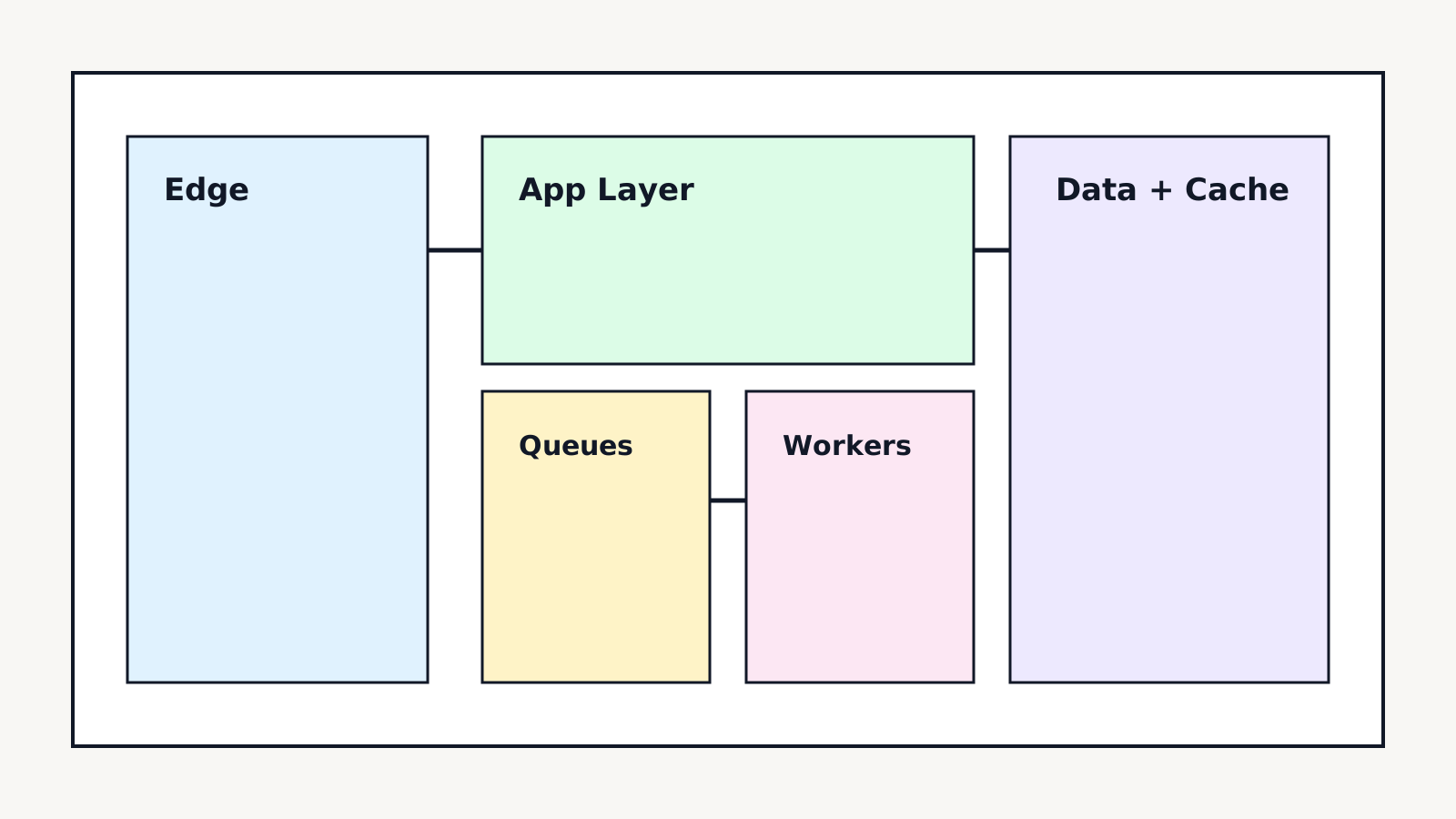
When teams add AI features into mature web products, the architecture pressure usually appears in three places first: request latency, content consistency, and deployment confidence.
This guide outlines the exact structure I recommend for Next.js applications that need to scale both product delivery and AI workloads without degrading user experience.
1. Start With Capability Boundaries, Not Folder Boundaries
Most architecture debt begins with broad folders and shared utility sprawl. Instead, define capabilities first.
A strong baseline is:
app/(marketing)for content and acquisition pages.app/(product)for authenticated product surfaces.app/apifor synchronous request/response handlers.- worker services for long-running AI flows.
This keeps request paths explicit. UI requests should stay fast and deterministic. AI pipelines should be asynchronous whenever output generation is non-trivial.
2. Keep The Synchronous Path Thin
For anything directly tied to user interaction, enforce a strict budget. If a route needs external model inference, return a job token quickly and stream status updates through polling or subscriptions.
A simple contract pattern:
// app/api/generate/route.ts
export async function POST() {
  // Validate input
  // Create job row
  // Enqueue worker task
  // Return 202 + jobId
}
This preserves responsiveness while making retries and observability far easier.
3. Separate Published Content From Working Content
If your blog, docs, or knowledge surfaces are content-driven, avoid coupling unpublished drafts with production render paths.
Recommended model:
- Draft data in CMS collections.
- Published snapshots in normalized read models.
- Frontend reads only from published models.
That separation removes accidental preview leaks and cuts query complexity for page rendering.
4. Cache Strategically By Volatility
Use volatility-based caching, not endpoint-based caching.
- High volatility data: no-store or short TTL with revalidation hooks.
- Medium volatility data: route-level cache plus explicit tag revalidation.
- Low volatility content: static generation + on-demand revalidation.
In practice, the cache matrix should be documented beside your domain contracts, not hidden in random fetch calls.
5. Design AI Workloads As Product Features
AI features are frequently treated as a black box appendage. Instead, model them as first-class product flows:
- Input schema
- Evaluation criteria
- Failure UI states
- Human override paths
If output quality matters, pair generation with evaluation traces. Shipping without eval instrumentation is equivalent to shipping a payments flow without transaction logs.
6. Make Deployment Boring
Boring deployment is a feature. You get there through deterministic checks:
- Type checks + lint on every merge.
- Smoke tests for core routes and critical API actions.
- Schema migration checks against production-like datasets.
- Feature flag defaults for new AI surfaces.
The goal is not perfection. The goal is controlled risk.
7. Flat Design + Information Density Can Coexist
Flat design does not mean weak hierarchy. Use contrast, spacing rhythm, and typographic weight to drive scanability.
For technical blog and product pages:
- Heavy heading weights for section anchors.
- Tight metadata bars with low visual noise.
- Border-based layout framing instead of shadows.
This keeps the interface modern, readable, and consistent with engineering-heavy brand systems.
Closing Thought
A good architecture is not the one with the most diagrams. It is the one that lets teams ship reliably every week while keeping UX fast and predictable under increasing product complexity.
If your Next.js codebase is now blending CMS, AI, and app workflows, invest early in boundary clarity. It will save months later.